Tap to Translate While Reading and Remember More
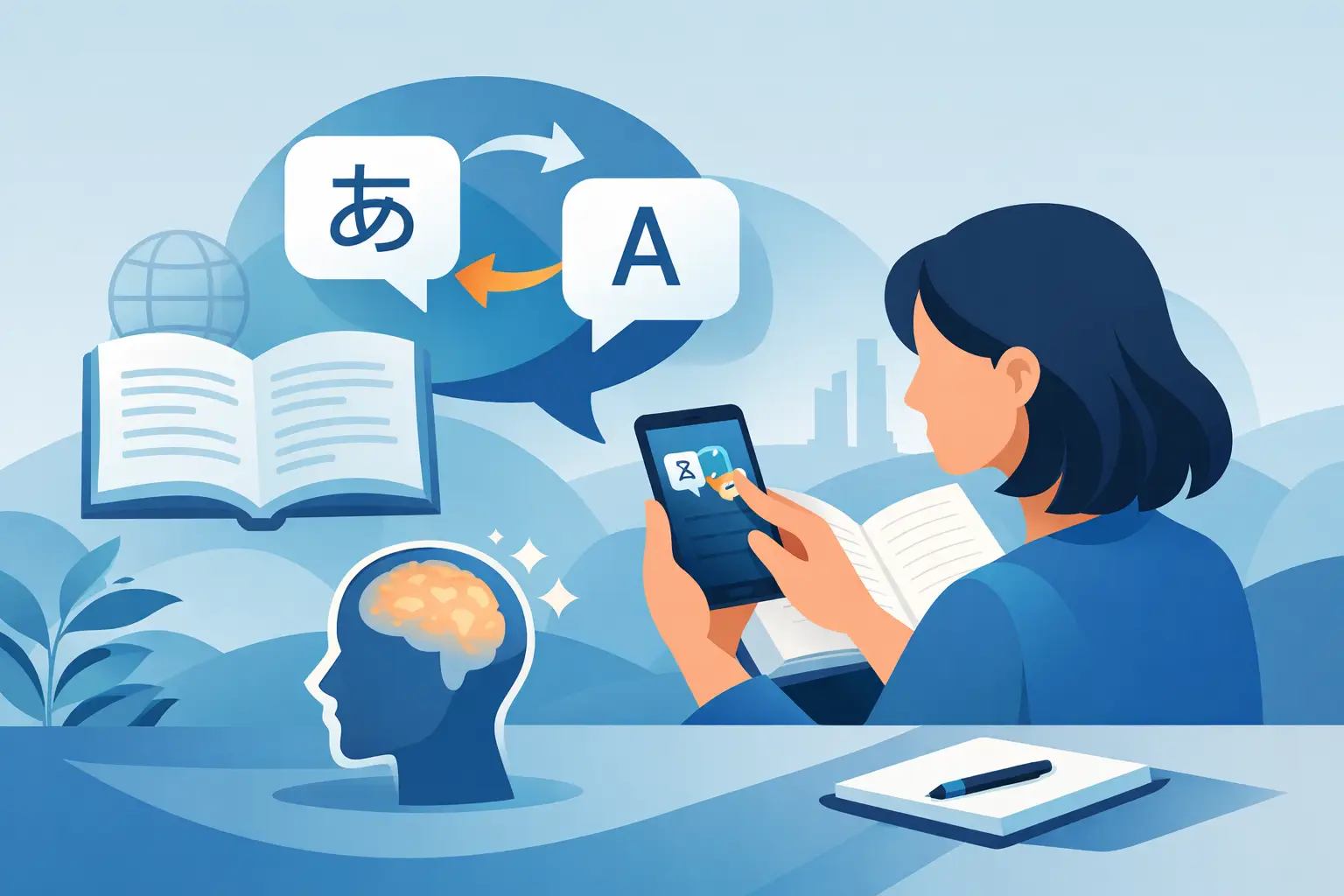
A headline about an election, a product launch, or a game-changing court ruling can hold your attention until one unfamiliar word breaks the sentence. You could leave the article, open a separate translator, lose your place, and hope you remember the word later. Or you can tap to translate while reading and keep moving.
That small interaction matters because reading fluency is not built by avoiding difficult material. It is built by meeting unknown words in real situations, understanding them quickly, and seeing them again often enough for them to stick. Cartoon sentences will not help you read a headline. Context will.
Why tap to translate while reading works
A word by itself is a weak memory. A word inside a sentence about a labor strike, a space mission, or a company merger carries meaning beyond its dictionary definition. You see what happened, who was involved, and why the word was used. That gives your brain more than a translation to hold onto.
Consider the Spanish word recorte. A vocabulary list may translate it as “cut” or “reduction.” Useful, but thin. In a news article about a government budget, you see it connected to spending, public services, and political debate. The translation becomes part of a real idea: a budget cut. The next time recorte appears in a different article, recognition arrives faster.
Tap-to-translate tools remove the friction between confusion and comprehension. Instead of interrupting the reading session, they let you check a word at the moment curiosity is highest. The article remains the main event. Translation is support, not a detour.
This is especially useful for adult learners with limited study time. If you already read news during breakfast, between meetings, or on a train, the habit does double duty. You stay informed while building the language you actually want to use.
Context prevents the wrong kind of confidence
Many common words have several meanings. A quick translation can be misleading if it is detached from the sentence. “Charge,” for example, might refer to a fee, an accusation, an electrical current, or an attack. The surrounding sentence tells you which one matters.
That is why sentence-level context is more valuable than collecting isolated translations. When you save an unfamiliar word with the line where it appeared, you preserve the clue that made it understandable. Later, during review, you are not staring at a flashcard stripped of meaning. You are revisiting a moment from something you read.
There is a trade-off. Tapping every unfamiliar word can turn reading into slow-motion dictionary work. The goal is not total certainty. If a word is not essential to the point of the sentence, keep reading. Tap when a word blocks your understanding, appears repeatedly, or feels useful for your own life and interests.
A better reading loop: read, save, review
The most effective use of instant translation is not simply looking up words. It is turning the words worth keeping into a small, personal study system.
Start by choosing an article you would read even if language practice were not the goal. News works well because it gives you a reason to continue. A technology reader can follow artificial intelligence policy or a new device launch. A sports fan can read match coverage. A traveler might read local reporting before a trip. Interest carries you through sentences that are slightly harder than your comfort zone.
As you read, tap selectively. Save words that are frequent, specific, expressive, or clearly useful. A word that appears once in a niche article may not deserve your attention. But a verb used across business reporting, politics, and everyday conversation probably does.
Then review the saved words after the article, later that day, or during a spare five minutes. Spaced repetition works because it asks you to retrieve a word just as it begins to fade. The review does not need to be long. A few well-chosen words revisited across several days are more valuable than saving fifty words and never seeing them again.
This loop is simple: read for meaning, save what matters, review until recognition becomes automatic. It gives vocabulary a job. Every saved word came from a real sentence and has a place in your memory.
Let your level change the article, not your ambition
Beginners often assume authentic news is off limits. It can be difficult in its original form, especially when articles use dense syntax, idioms, or assumed background knowledge. But the answer is not to spend months reading artificial dialogue about ordering coffee.
A better approach is to adapt the same real article to your level. At A1 or A2, shorter sentences and clearer vocabulary help you follow the central event. At B1 and B2, more of the article's original detail can remain. At C1, the challenge may be less about basic meaning and more about tone, nuance, and the writer's choices.
The subject stays real even as the language becomes more accessible. That matters. You are not practicing for some distant day when you are finally allowed to read what interests you. You are reading it now.
NewsLearner is built around this approach, adapting current articles across CEFR levels while letting readers tap unfamiliar words, save them in sentence context, and review them later. The point is not to make news childish. It is to make real reading usable at every stage.
How to avoid turning translation into a crutch
Instant translation is powerful, but it works best when you treat it as a bridge rather than an answer key. If you tap before giving the sentence a chance, you may miss the opportunity to infer meaning from context.
Try a brief pause first. Read the sentence again. Look at the headline, nearby words, and any image caption. Ask whether the unknown term is a noun, verb, or adjective. Often, you can identify the general meaning before confirming it with a tap. That small effort strengthens recall because your brain has made a prediction.
After you translate, return to the sentence and read it once more without looking at the definition. This takes seconds, yet it reconnects the word to the article's meaning. If the word is especially useful, say it quietly or create one short sentence of your own. Production helps move vocabulary from recognition toward use.
You also do not need to save every tap. Some words are temporary obstacles. Others are building blocks. Save the building blocks: terms that recur in your interests, phrases you could use at work, words that clarify a topic you care about, and expressions that sound more natural than the ones you already know.
Reading fluency is a collection of small wins
The visible progress is rarely dramatic. One week, you recognize a word you saved in an article about markets. A month later, you understand a headline without translating half the sentence. Eventually, you stop measuring every unknown word because the article begins to feel like reading, not studying.
That change comes from repeated contact with language that has purpose. News gives vocabulary urgency, variety, and cultural texture. Tap-to-translate gives you a practical way through the difficult parts without abandoning the story.
Keep the habit small enough to survive a busy week. Read one article. Save a few words. Review them when you have a moment. The language will start meeting you where life already happens: in the headlines you want to understand.