Three taps from headline to memory.
No decks to build, no cartoon sentences. The loop is the news itself — read, save, review — and it fits into the minutes you already spend catching up.
Read real news
Fresh articles on what you actually follow — world, tech, business, sport — pulled in around the clock and shown in the language you're learning.
📰Tap any word
Stuck on a word? Tap it. You get an instant translation and save it together with the exact sentence it appeared in — context and all.
✷Review until it sticks
Spaced-repetition quizzes and four game modes bring each word back right before you'd forget it — so reading turns into remembering.
🧠Built for readers, not point-chasers.
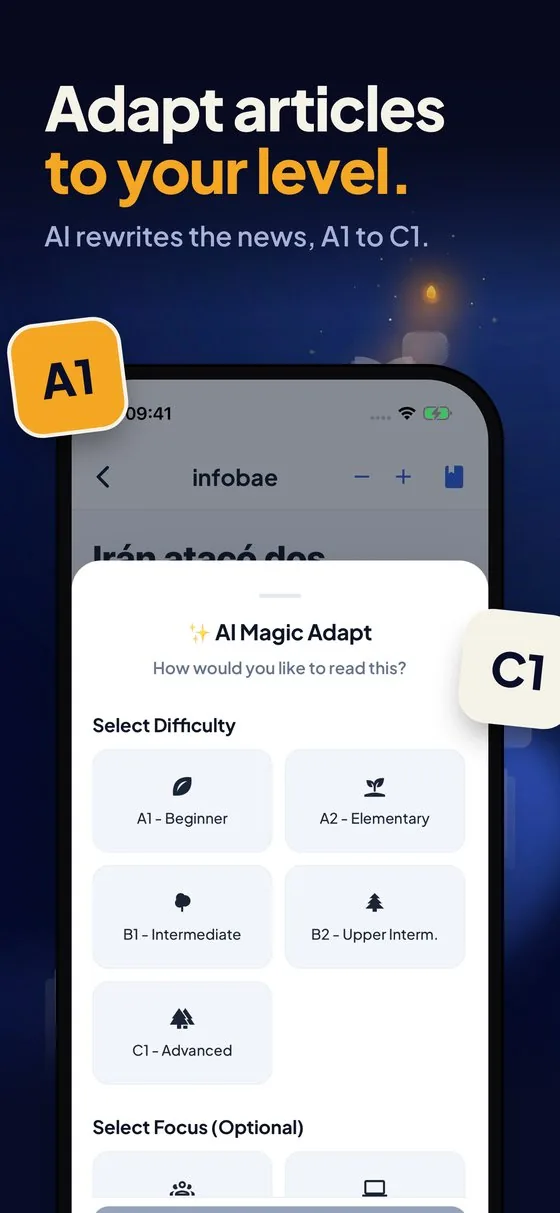
Every article, rewritten to your level.
Beginner or nearly fluent, the same story meets you where you are. NewsLearner's AI rewrites any article from A1 to C1 — simple enough to follow, real enough to matter.
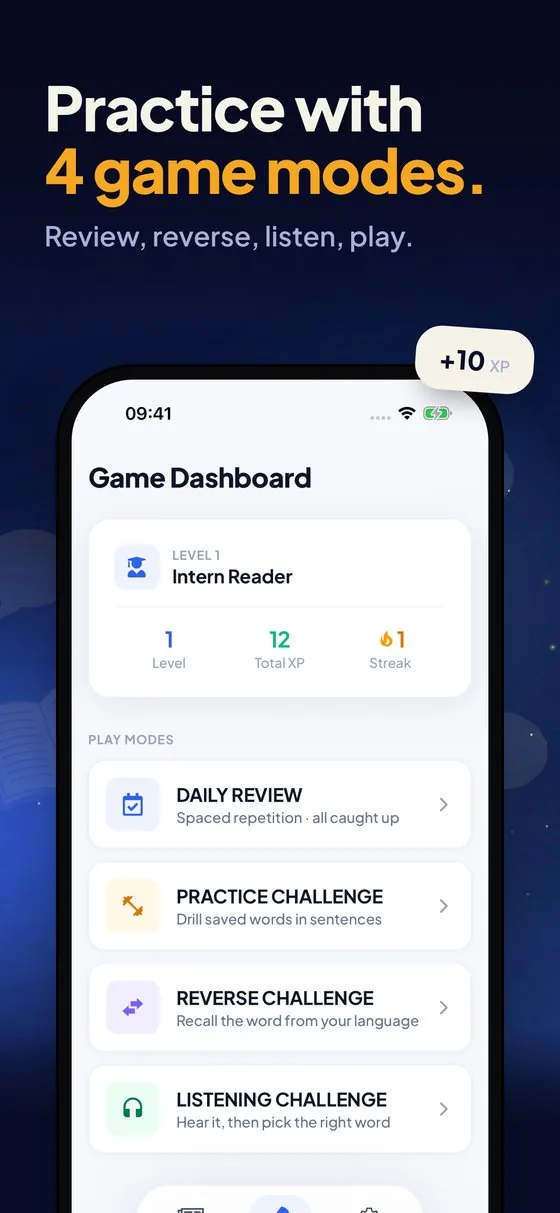
Four ways to make it stick.
Daily Review runs spaced repetition on the words due today. Practice, Reverse and Listening drills come at them from every angle — reading, recall, and ear — until they're yours.
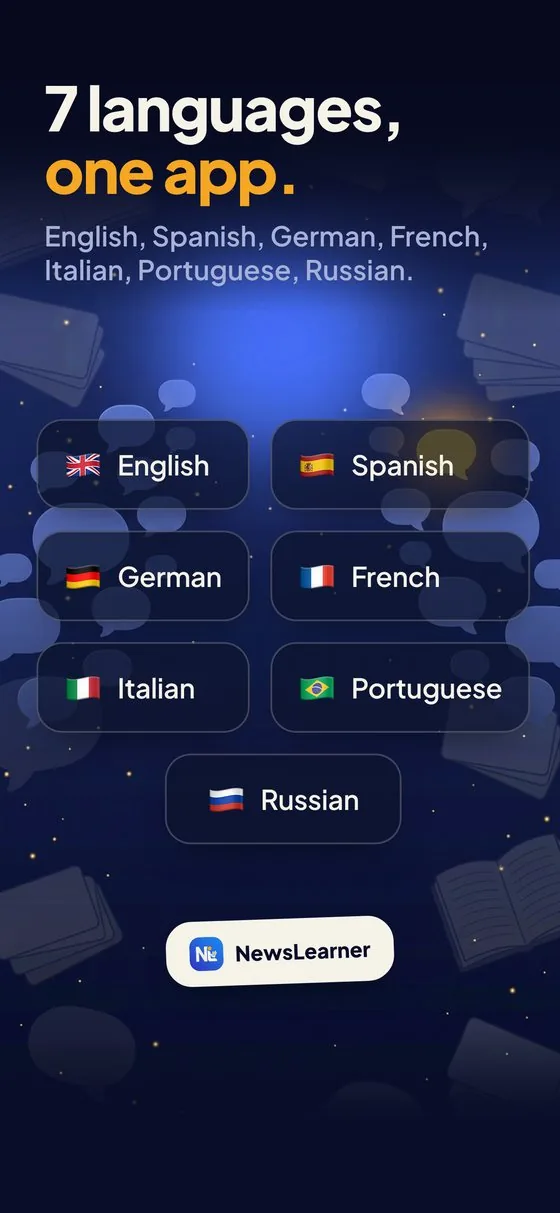
Seven languages, one habit.
English, Spanish, German, French, Italian, Portuguese and Russian — switch any time, and your saved words and streak travel with you.
Cartoon sentences won't help you read a headline.
Most apps drill you on invented sentences about turtles and apples. NewsLearner uses the real thing — the same stories a native speaker reads over coffee.
You pick up the words that actually show up in the wild, in the context that makes them stick. And because it's today's news, there's always a reason to open the app.
Invented drills, disconnected from anything you'd ever read.
“The turtle drinks the apple juice.”
Real reporting you'd open anyway — vocabulary in living context.
“Central banks signal a cautious turn.”
Yours, and only yours.
Learning is personal. Your words, your progress, your reading — none of it leaves your phone.
Everything you might ask.
Is NewsLearner free?
Yes — it's free to download and start reading on iPhone and Android. An optional NewsLearner Pro subscription removes ads and unlocks unlimited AI article adaptation and grammar help.
Which languages can I learn?
Seven: English, Spanish, German, French, Italian, Portuguese and Russian. Switch any time — your saved words and streak come with you.
How is it different from apps like Duolingo?
Instead of invented sentences, NewsLearner teaches you with real, current news articles — the same stories native speakers read. You pick up vocabulary in genuine context, which is what makes it stick.
What does "adapt to your level" mean?
NewsLearner's AI can rewrite any article from A1 (beginner) to C1 (advanced), so the same story is readable whether you're just starting out or nearly fluent.
Does it work offline?
Your saved words and all four review modes work offline — practice on a plane or the subway. Loading new articles needs a connection.
Do I need an account?
No. There's no sign-up, no email and no password. Your saved words and progress stay on your device.
Is it available on Android?
Yes — NewsLearner is on Google Play now, and on the App Store for iPhone. Both versions have the same features.
Start with today's headlines.
The news is going to happen anyway. You might as well learn a language while you read it.