8 Best Reading Apps for Better Daily Reading
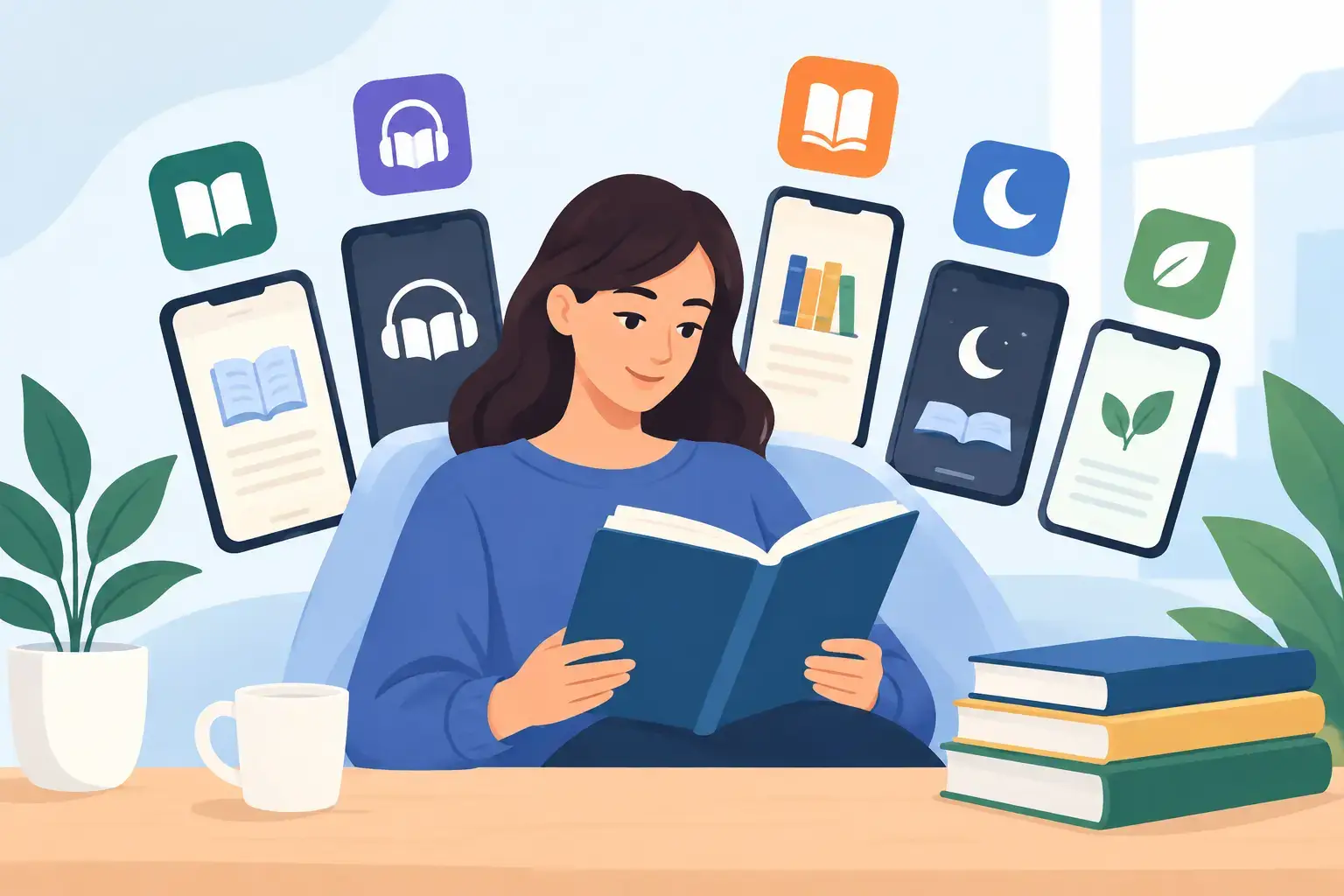
A reading app earns space on your phone when it changes what happens in the gaps of a normal day: the train ride, the waiting room, the ten minutes before bed. The best reading apps do more than store books. They make it easier to find worthwhile material, hold your place, reduce friction, and return tomorrow.
That sounds basic, but the goal matters. Reading a novel, catching up on long-form journalism, borrowing library books, and learning a new language require different tools. A giant ebook catalog is not automatically useful for a reader who wants to understand Spanish headlines. A beautiful reading interface will not help much if you never have anything relevant queued up.
What makes a reading app worth using?
Start with the reading habit you actually want, not the largest feature list. For book readers, selection, highlighting, and device sync may matter most. For people who read articles, a clean, distraction-free view and dependable saving are more valuable. For language learners, the crucial detail is context: Can you understand an unfamiliar word where it appears, save it, and meet it again later?
The strongest apps also respect your attention. They should make it easy to start reading rather than turning every session into a feed, a store, or a notification trap. Privacy deserves the same scrutiny. Reading history can reveal a surprising amount about someone’s work, interests, health, politics, and plans. Check whether an app requires an account, what it stores, and whether it gives you meaningful control over that data.
Here are eight strong choices, organized by the job they do best.
1. Kindle for the deepest ebook catalog
Kindle remains the obvious choice for readers who want a broad range of current books, classics, and self-published titles in one familiar place. Its strengths are practical: adjustable type, notes and highlights, progress tracking, and the ability to move between compatible devices without losing your page.
It is particularly good for people who buy or borrow ebooks regularly and prefer to keep a single library. The trade-off is that Kindle is built around Amazon’s ecosystem. If you care about moving files freely, buying from independent stores, or limiting how much of your reading life sits with one company, that may shape your decision.
2. Libby for library books without the bookstore bill
Libby connects participating public libraries with ebooks, audiobooks, and magazines. For students, families, frequent readers, and anyone trying to spend less on books, it can turn a library card into a serious digital collection.
Its limitation is also its defining feature: availability depends on your local library’s licenses and demand. Popular titles can have waitlists, and selection varies by system. Still, Libby rewards a little planning. Put a few holds on books you genuinely want to read, and the next good option often arrives before you finish the one you have.
3. Apple Books for a clean iPhone and iPad experience
Apple Books is a sensible choice for readers who already use Apple devices and want an uncomplicated place for ebooks, PDFs, and audiobooks. The interface is calm, the display controls are easy to adjust, and imported documents can live alongside purchased books.
It is less compelling if you use a mix of Android, Windows, and Apple hardware. It also does not solve the discovery problem on its own. But for someone who wants to read a report on an iPad at work and a novel on an iPhone later that night, it is a low-friction option.
4. Google Play Books for readers who switch devices
Google Play Books works well for people who move between Android phones, tablets, and web browsers. You can buy ebooks and audiobooks individually rather than commit to a single subscription, and the option to upload certain personal files is useful for reading documents and public-domain books.
The experience is functional rather than especially literary. That is not a flaw for every reader. If your priority is opening the same book on whatever screen is nearby, convenience can matter more than atmosphere.
5. Kobo Books for readers who want alternatives
Kobo Books is a credible alternative for readers who want a large ebook store without making Kindle the default. Its reading controls are solid, and it has a reputation for serving dedicated ebook readers as well as phone and tablet users.
Kobo makes the most sense if you already own Kobo hardware, prefer its store, or simply want more choice in where you buy books. Catalog availability can differ from Amazon, especially for niche titles or regional editions. Compare the specific books you expect to read before making a long-term switch.
6. Instapaper for saved articles that deserve your full attention
Most articles are not meant to be read beside ten open tabs and a buzzing inbox. Instapaper is designed for saving web pages and returning to them in a stripped-down reading view. It is useful for essays, analysis, interviews, recipes, and research you find during a busy day but cannot properly read yet.
The habit is simple: save first, read later. The hard part is resisting the urge to save everything. Treat it like a short reading queue, not a warehouse. A list of 15 articles you might actually finish is more useful than 500 links you will never reopen.
7. Readwise Reader for serious article workflows
Readwise Reader is aimed at people whose reading produces ideas, notes, or work. It brings articles, newsletters, PDFs, and other text into one place, with highlighting and organization built into the experience. Researchers, writers, analysts, and curious professionals may appreciate the ability to capture a useful passage without losing its source context.
This is more tool than escape. If your goal is to read novels before sleep, it may be overbuilt. If you regularly encounter important material scattered across the web, email, and documents, centralizing it can turn fragmented reading into a usable knowledge habit.
8. NewsLearner for language practice in real context
Language learners need a different kind of reading app. Text should be interesting enough to finish, understandable enough to learn from, and connected to the vocabulary people use beyond a classroom. Cartoon sentences will not help you read a headline, follow a business update, or understand a conversation about a major match.
NewsLearner turns current reporting into personalized reading lessons across CEFR levels A1 through C1. Readers can adapt articles to their level, tap unfamiliar words for translation and sentence context, save them, and review them through spaced repetition. The loop is direct: read, save, review.
That approach is especially useful for adults who already care about the news but feel blocked by unfamiliar vocabulary. A beginner can work through an adapted story without pretending to be fluent; an advanced learner can keep building the language needed for technology, politics, culture, and daily life. It also lets people begin without creating an account, while keeping reading activity and saved learning progress on the device.
How to choose among the best reading apps
Do not install eight apps and hope motivation appears. Pick one primary app based on the material you want to read most often, then add one supporting tool only if it solves a real gap.
A practical pairing might be Libby for borrowed books and Instapaper for articles. A professional reader may combine Readwise Reader with a book app. A language learner might use an ebook app for pleasure reading and a news-based tool for focused vocabulary work. The right combination should feel lighter than your current routine, not like another system to maintain.
Before committing, test an app with a real piece of reading. Open a book you have been postponing, save an article you genuinely want to finish, or try a news story in the language you are learning. Notice what happens when you meet an unfamiliar word, lose your place, or put the phone down for two days. The useful app is the one that makes returning easy.
Build a reading habit around real life
Reading more is rarely about finding an extra hour. It is about making the next five minutes count. Keep one book active, save a small number of articles worth your attention, and choose material that gives something back: a better idea, a clearer perspective, or language you can use tomorrow.
The best app is not the one with the most features. It is the one that keeps putting meaningful text in front of you, then gives you a reason to come back.