Offline Language Learning App: What Matters
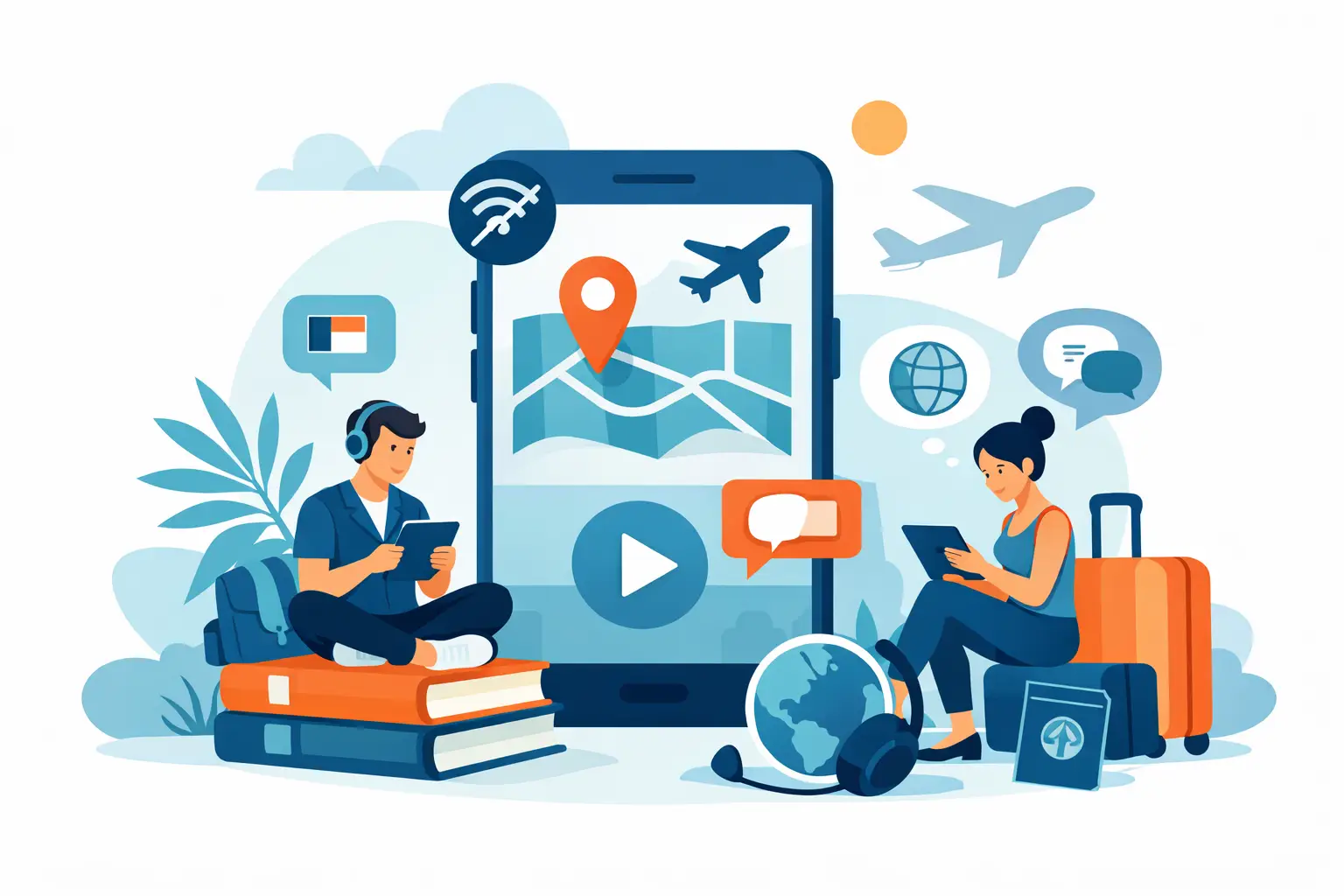
A dead signal should not end a productive study session. The right offline language learning app gives you something worth reading, words worth remembering, and a clear next step when you are on a subway, in the air, or far from reliable Wi-Fi.
That standard rules out a surprising amount of language-learning content. A streak counter may work offline. So might a matching game. But if the material is disconnected from the language you want to use in real life, being available on a plane does not make it more useful. Cartoon sentences will not help you read a headline, follow a workplace update, or understand what people are discussing around you.
For serious learners, offline study is not about filling every spare minute. It is about protecting momentum. Read, save, review - even when the internet drops out.
What an Offline Language Learning App Should Do
Offline access means more than opening an app without an error message. It should let you continue the parts of learning that actually move comprehension forward: reading material you prepared, revisiting unfamiliar words in context, and reviewing them before they fade.
The first requirement is downloadable reading. If you can save articles or lessons before leaving home, your commute or flight becomes usable study time. Better still, the reading should match your level. A beginner needs a clear version of the same story, not a random beginner dialogue about ordering juice. An advanced learner needs enough of the original phrasing to keep stretching their understanding.
The second requirement is vocabulary that survives offline. Tapping an unfamiliar word is helpful in the moment, but the value comes later. A good app saves the word with the sentence where you found it, so you can remember both its meaning and how it behaves. "Charge" in a story about a criminal case is not the same as "charge" on a phone bill. Context prevents vocabulary from becoming a pile of disconnected translations.
Finally, offline review needs structure. A word you saw once in an article is not yet part of your working language. Spaced review gives you a reason to meet it again, ideally through quick exercises that test recognition and recall. The goal is not to spend an hour drilling. It is to make five minutes in a waiting room count.
Download Before You Need It
The most practical offline learning habit happens while you still have a connection. Think of it as packing your study material alongside your charger.
Choose two or three articles that you genuinely want to read. A report on a technology company, a sports result, a policy change, or a major cultural story is more likely to hold your attention than a lesson selected only because it contains the past tense. Interest is not a bonus feature. It is what keeps you reading long enough to notice useful language.
If your app offers level adaptation, prepare a version that is slightly challenging but not exhausting. You should understand the main point without translating every line. At A1 or A2, that may mean short, supported articles. At B1 or B2, it may mean reading a simplified story first, then returning to selected passages with more native-level phrasing. At C1, the work is often less about basic comprehension and more about tone, collocations, and precise word choice.
Then save a small number of words as you read. Do not collect every unknown term. Save words that repeat, clarify the story, or feel useful in your own life. A curated set of eight words from one article is more likely to stick than 40 words you never see again.
Real News Makes Offline Time More Valuable
Offline learning has an obvious limitation: live news is live. You need a connection to get the newest reporting, generate new adaptations, or look up material that has not been downloaded. No honest app should pretend otherwise.
But current reporting is still unusually strong material for offline practice once it is saved. News gives vocabulary a reason to exist. You see how a company "announces" a decision, how markets "respond," how officials "call for" action, and how a team "comes from behind." These are patterns native speakers encounter constantly, not phrases built to satisfy a lesson objective.
It also creates natural repetition. A major story develops over days or weeks. You may meet the same names, places, verbs, and themes in several articles. That recurring exposure does more for memory than encountering a word once in an isolated exercise.
This is where an app such as NewsLearner can fit a real routine: use a connection to choose current stories and adapt them to your level, then keep reading and reviewing the saved language wherever your day takes you. The lesson is connected to the world, but it is not dependent on a signal every second.
Read, Save, Review Without Overdoing It
A useful offline session does not need to be elaborate. Start by reading one saved article through without stopping at every unfamiliar word. Your first job is to understand the story. Guess from context when you can.
On a second pass, tap and save only the words or phrases that change your understanding or seem likely to return. Pay attention to chunks, not just single words. For English learners, "raise concerns," "set to begin," and "in response to" are often more useful than memorizing their individual pieces. The same principle applies in Spanish, French, German, Italian, Portuguese, and Russian: language is full of combinations that carry meaning together.
When you have a few minutes later, review what you saved. Look at the sentence before revealing the translation or answer. Try to recall the meaning first. If you miss it, that is not failure. It is useful information. Marking a word as difficult gives the review system a reason to bring it back sooner.
A 15-minute offline session can be enough: ten minutes to read and five minutes to review. On a long trip, repeat the cycle with another article rather than forcing yourself through an endless word list. Attention is limited. Relevant material helps, but fatigue is still real.
The Privacy Question Is Part of the Choice
Offline capability can also signal something important about how an app handles your learning data. If your reading history, saved vocabulary, and progress live primarily on your device, you retain more control over a record that can reveal your interests, goals, and routines.
That does not mean every online feature is suspect. Syncing across devices may be useful. Cloud backup can prevent lost progress. AI-powered adaptation and grammar help may require a connection. The question is whether those trade-offs are clear and whether you can learn without handing over more personal history than necessary.
For many people, the best setup is simple: prepare content on Wi-Fi, study offline when it suits your day, and reconnect when you want fresh articles or new help. It is practical, not ideological.
What to Check Before You Download
Before committing to an offline language-learning routine, test it in a place with no signal. Put your phone in airplane mode and open the app. Can you still access downloaded articles? Can you read saved definitions and sentence context? Can you complete vocabulary reviews? Does your progress remain available when you reconnect?
Also check the limits. Some apps download lessons but not audio. Others let you read offline but require a connection for translations, review games, or level adjustments. That may be perfectly acceptable if you know it before boarding a flight. The best choice depends on how you study: a traveler may prioritize downloaded packs and audio, while a commuter may care most about fast reading and vocabulary review.
One final test matters more than feature checklists: ask whether you would want to open the content even if it were not assigned as homework. If the answer is yes, you have found material that can turn offline time into a real reading habit.
The next time you expect a patchy connection, do not pack your phone with empty drills. Save one story that makes you curious, keep the words that matter, and give tomorrow's commute a reason to improve your language.