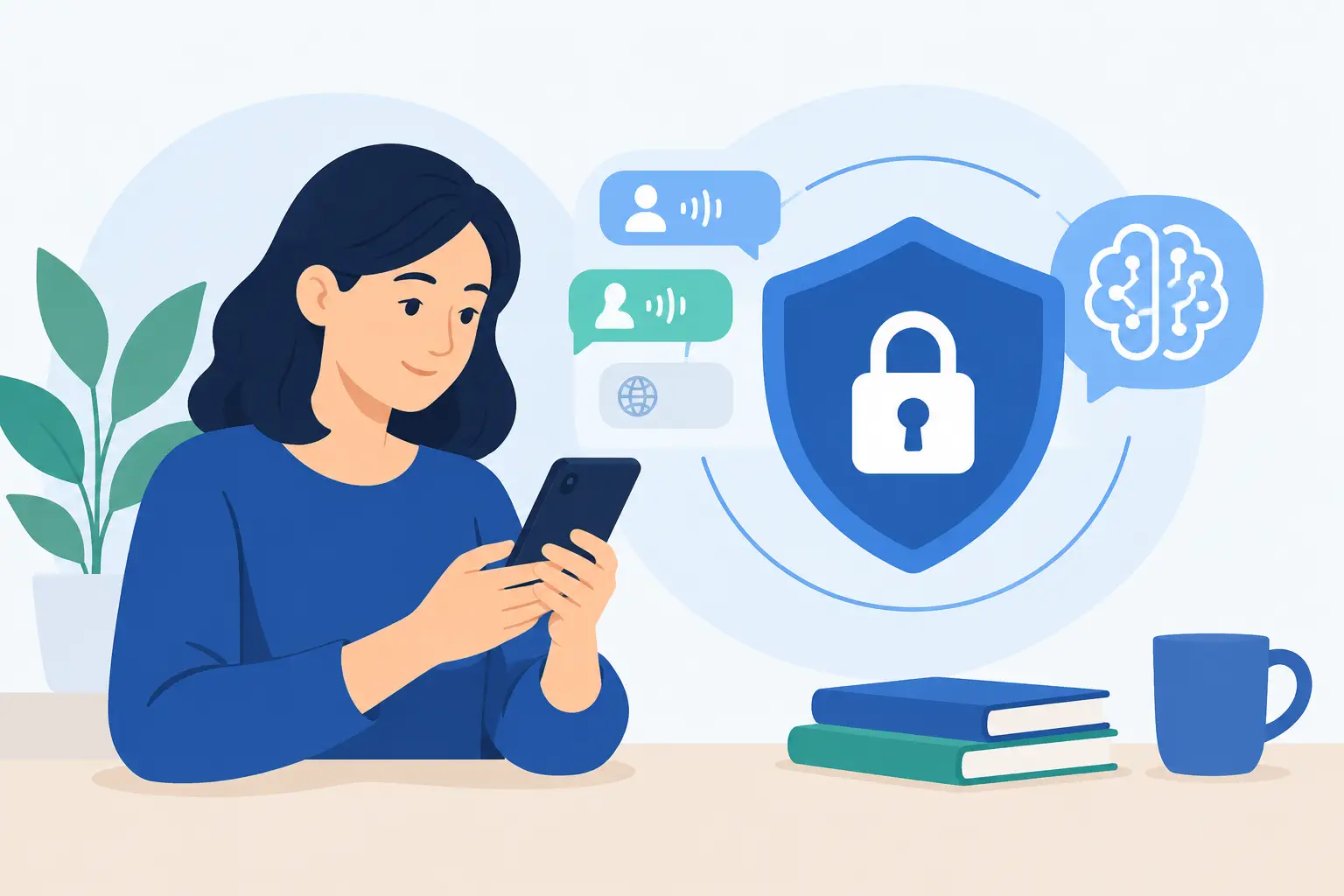
Privacy Friendly Study Apps That Respect Focus
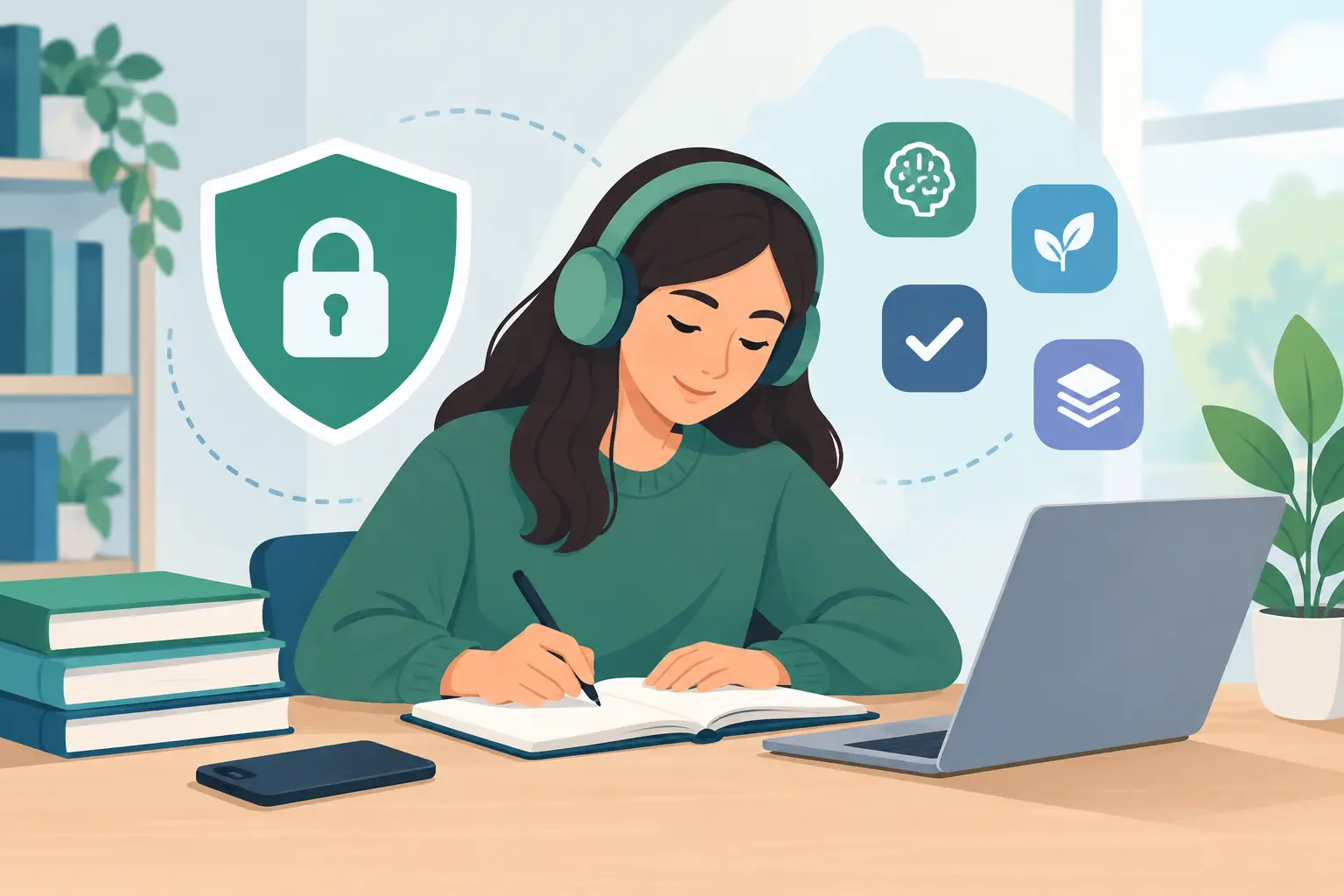
A language app can know more about you than a notebook ever did. Every article you open, word you save, answer you miss, and lesson you repeat can reveal your interests, routines, and level of confidence. Privacy friendly study apps give learners a better deal: useful personalization without treating private learning behavior as raw material for someone else’s business.
For serious learners, this is not a niche concern. Your study history is a record of what you are trying to understand - perhaps a new country, a new career, or the news affecting your family. It deserves more care than a default setting buried behind five screens.
What makes a study app privacy friendly?
“Privacy friendly” is not a badge an app earns by adding a lock icon to its website. It comes down to what information the app collects, where it keeps that information, why it uses it, and how much control you have over it.
Some data collection is reasonable. A study app may need to remember the words you saved, your reading level, or where you stopped in a lesson. Without that context, the experience becomes repetitive and less useful. The question is whether those details must be sent to a central server, tied to your identity, retained indefinitely, or shared with advertising and analytics partners.
A stronger privacy approach limits collection from the beginning. It stores learning activity on your device when possible, makes account creation optional when an account is not necessary, and explains data practices in language a normal person can understand. It also gives you a meaningful way to delete what the app has retained.
That distinction matters because personalization and surveillance are not the same thing. An app can adapt to your needs without building an exhaustive profile of your habits.
Why learning data is more personal than it looks
Study data sounds harmless until you look at the details. A saved vocabulary list may reveal that you are preparing for a job interview, researching a medical issue, following an election, or learning the language of a place you plan to move. Reading history can show political interests, religious interests, financial concerns, and the times of day when you are most active.
For language learners, there is another layer. Mistakes are part of the work. They should help you improve, not become a permanent signal about your ability or a commodity attached to an advertising profile.
This is especially relevant for immigrants, travelers, and professionals learning a language for practical reasons. When study becomes tied to high-stakes life changes, privacy is not simply a preference. It is part of feeling free to learn without being watched.
How to evaluate privacy friendly study apps
You do not need to read legal documents like a lawyer. Start with the product experience, then check whether the privacy policy backs it up. A few clear questions can reveal a great deal.
Ask whether an account is truly required
An account can be useful for restoring progress across devices or accessing paid features. But a basic reading or vocabulary tool does not always need your email address before you can try it.
Apps that let you begin without an account reduce the amount of identity data connected to your early learning activity. That does not make them automatically private, but it is a practical sign that access is not being used mainly to collect leads or build user profiles.
Find out where progress is stored
Look for direct language about reading history, saved words, and progress. Is it kept locally on your phone? Is it synchronized to a server? If it is stored remotely, is that necessary for a feature you actually use?
On-device storage has a straightforward advantage: your learning record stays closer to you. The trade-off is that switching phones or recovering a lost device may require you to take more responsibility for your data. There is no universal answer here. The right choice depends on whether cross-device convenience or data minimization matters more in your routine.
Separate useful personalization from advertising
Personalization should improve the lesson in front of you. It might adapt a news article to your reading level, remember a word you tapped, or schedule a review after you have had time to forget it.
Advertising tracking does something else. It follows behavior to infer interests and influence what appears elsewhere. If an app offers a free version, advertising may be part of the model. The key question is whether the company explains how ad-related data is handled and gives you options rather than treating tracking as the price of entry.
Read permissions with common sense
A flashcard app that asks for your microphone may have a legitimate speaking-practice feature. A reading app that requests your precise location, contacts, and photo library without a clear reason deserves skepticism.
Permissions are not proof of bad intent, but each one should match a feature you understand and want. Deny anything that feels unrelated. A well-designed app should still make its core purpose clear even when you decline optional access.
Look for plain deletion and export options
Privacy has little value if you cannot act on it. Can you delete your account if you create one? Can you clear learning history? Can you see what is saved? These options should be easy to find, not a support-ticket scavenger hunt.
The best policies are specific. They name the categories of data collected, explain retention, and distinguish service providers from marketing partners. Vague promises such as “we value your privacy” are not enough on their own.
Privacy should not make learning less useful
There is a false choice built into many education products: accept intensive tracking for a tailored experience, or settle for a generic tool that remembers nothing. Serious learners should not have to make that choice.
The most helpful study systems use context carefully. Consider vocabulary review. A word is more memorable when you first meet it in a headline, a sentence, or a story you wanted to read. Saving that word with its sentence context creates a useful loop: read, save, review. It does not require turning your reading life into a dossier.
NewsLearner follows this principle by keeping reading activity, saved words, and learning progress on the learner’s device. You can begin learning without creating an account, then use real reporting as material for adapted reading and vocabulary practice. The point is not privacy theater. It is letting the product help you read more confidently while keeping ownership of your learning habit closer to you.
A quick privacy check before you download
Before committing weeks of study time to an app, take five minutes to check these signals:
- Can you try the core experience without handing over an email address?
- Does the app clearly explain what happens to saved words, progress, and reading history?
- Are permissions limited to features you recognize?
- Is personalization focused on learning, rather than unrelated ad targeting?
- Can you delete data or close an account without friction?
No app will be perfect for every learner. A service that syncs across your tablet and phone may collect more data than a device-first app, and that convenience may be worth it to you. What matters is informed consent: you should understand the exchange before your first lesson becomes months of history.
Build a study habit you can trust
Privacy is easiest to protect before a habit takes hold. Use a separate email address for services you do not fully trust. Review permissions after installing an app, not just during setup. Clear out tools you no longer use. And avoid assuming that a popular app has earned access to every part of your phone.
Then put your attention back where it belongs: the language itself. Read a story that matters to you. Tap the unfamiliar phrase. Save it in context. Return to it when you have five minutes on the train or between meetings. A study tool should support that quiet, cumulative work - not ask you to surrender more of yourself than the lesson requires.